Introduction
This API is the HTTP surface of AppAmbit. It covers two things: the telemetry your app reports, and the data your app reads back.
On the telemetry side it takes events, logs, sessions, and breadcrumbs, so you can see how users engage with your application and catch the errors and crashes they run into. On the data side, the CMS API serves the content you publish from the dashboard and the Database API runs SQL against the database linked to your app. Everything below is available to any client that can make an HTTP request, whether or not you use one of our SDKs.
Interacting with the API and the UI
Interacting with this API and the related UI involves the following key components:
The API itself
Your application communicates directly with the API endpoints (as documented in the following sections) to send data regarding:
- Events: Track user-generated actions and interactions. (Events)
- Logs: Monitor application errors and crashes. (Logs)
- Sessions: Manage user session lifecycles. (Sessions)
Authentication, as detailed in the Authentication section, is crucial for securely interacting with most of these endpoints. The API responds with structured data in JSON format, indicating the success or failure of your requests.
A User Interface (UI)
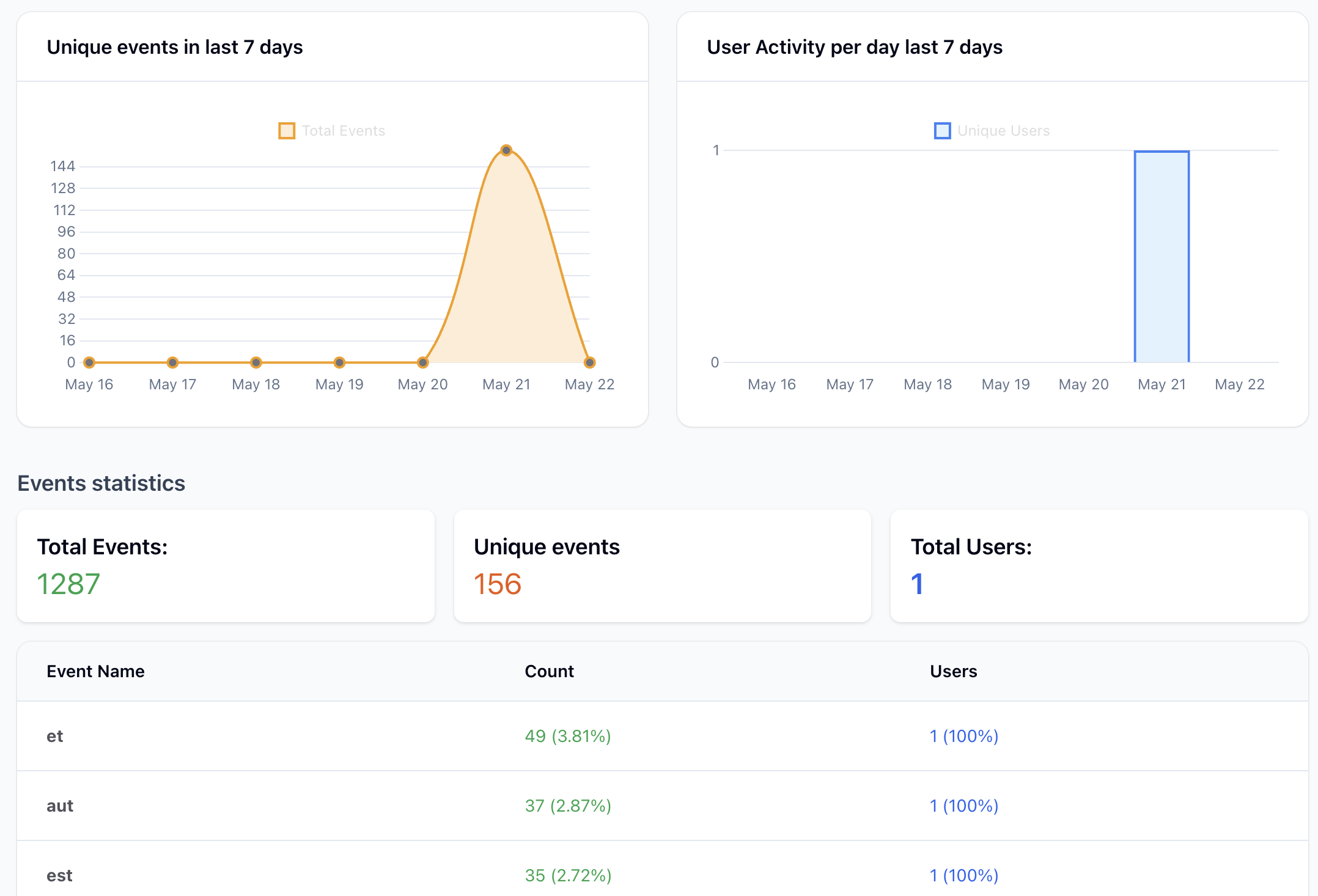
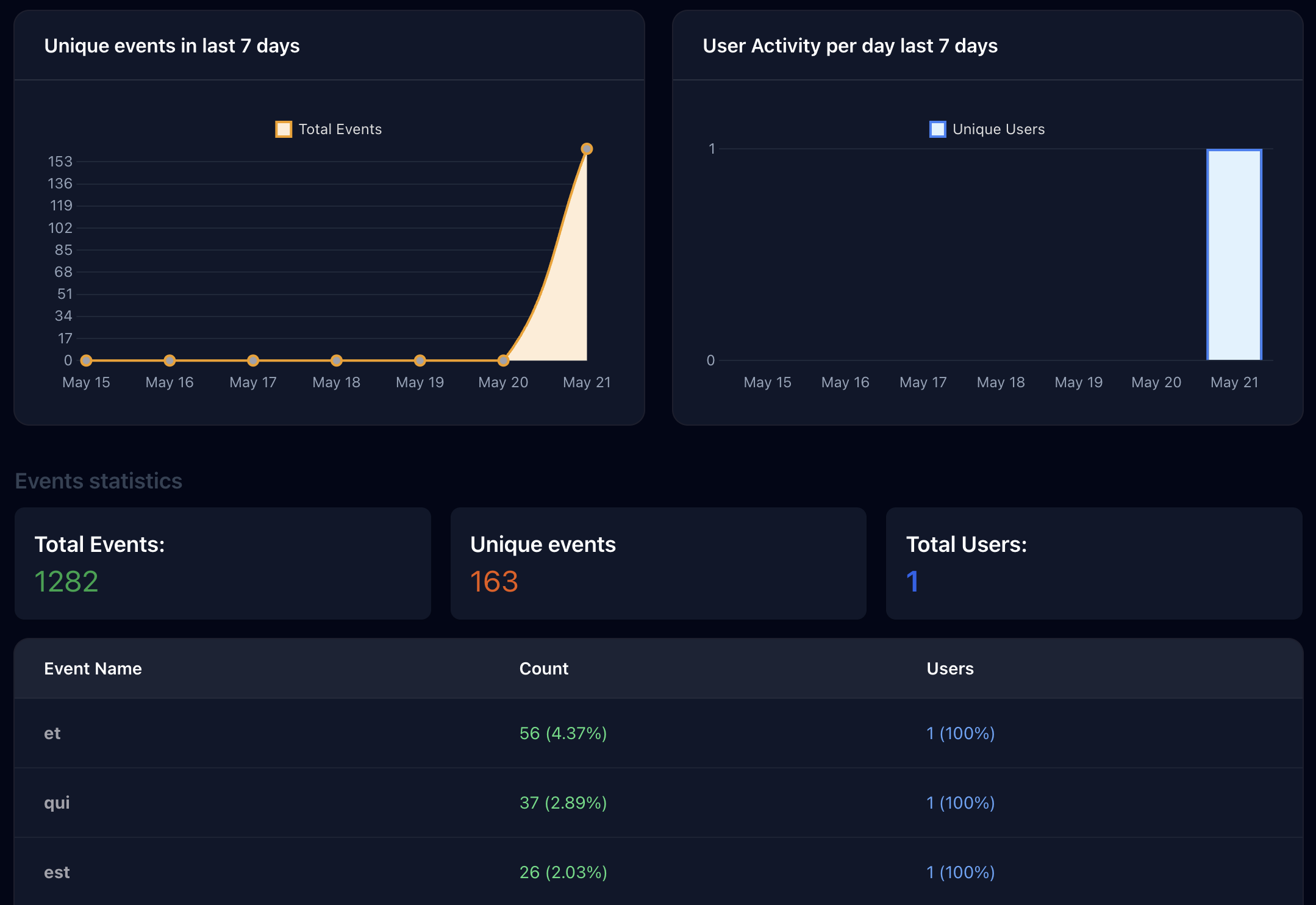
While this documentation primarily focuses on the API, a complementary UI would typically consume the data collected by the API. This UI allows you to:
Analytics
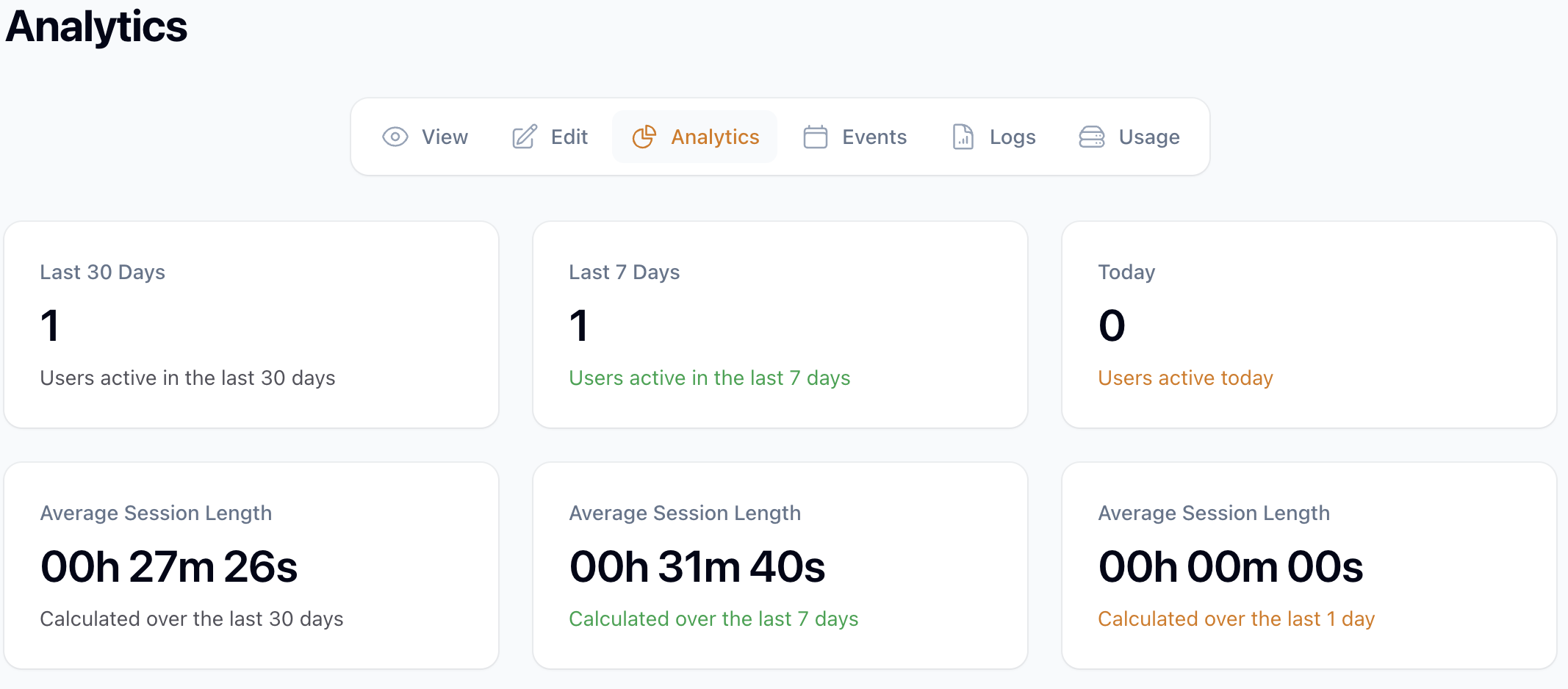
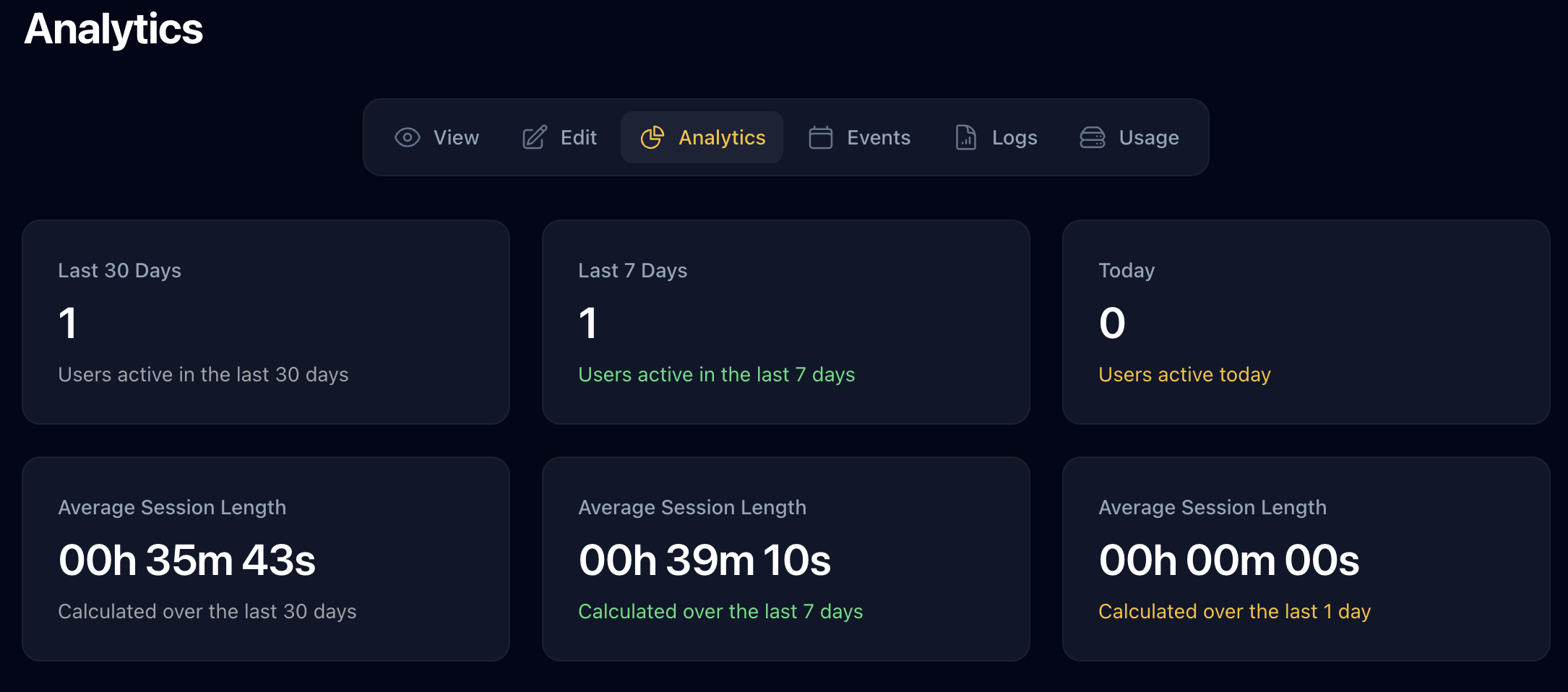
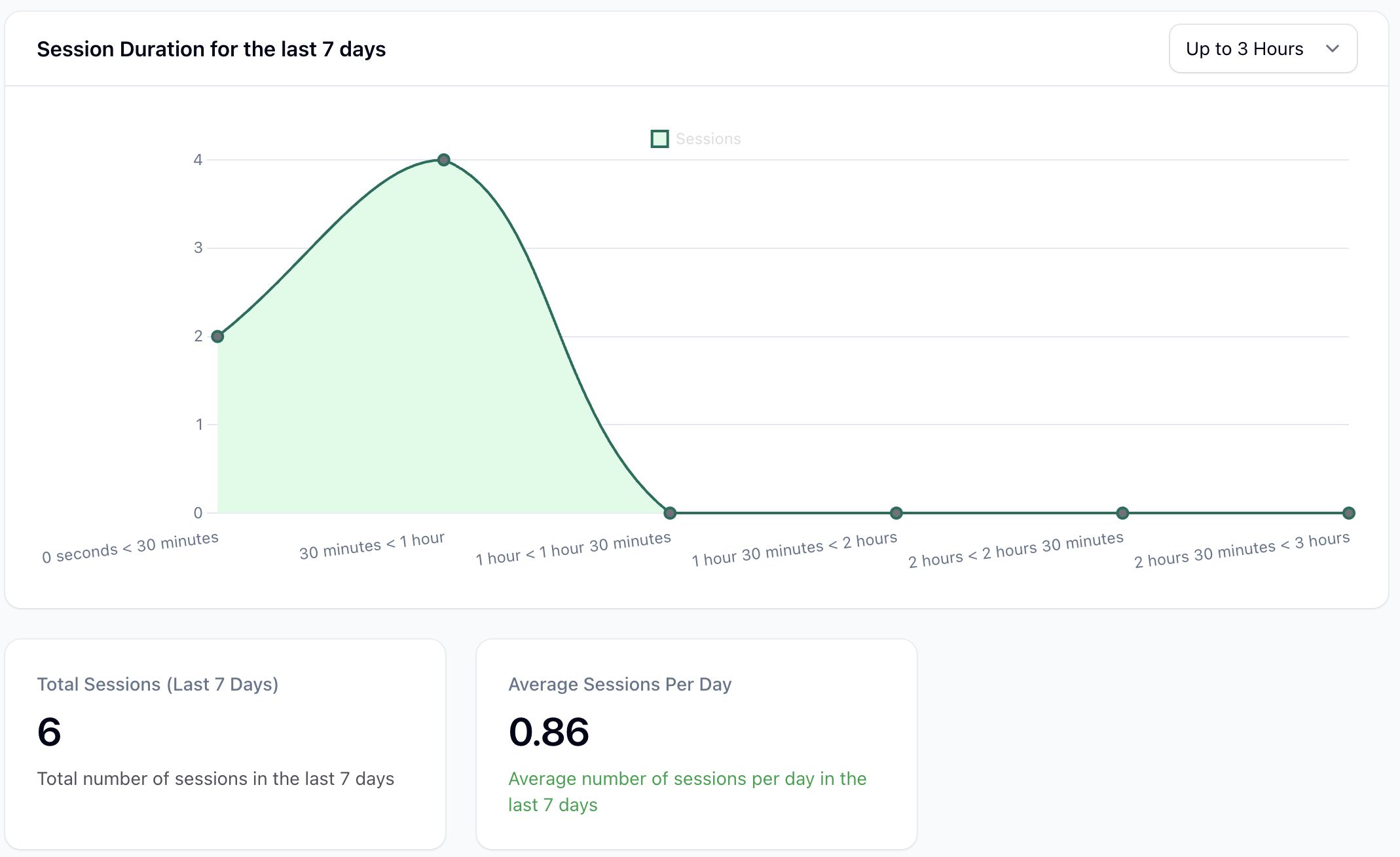
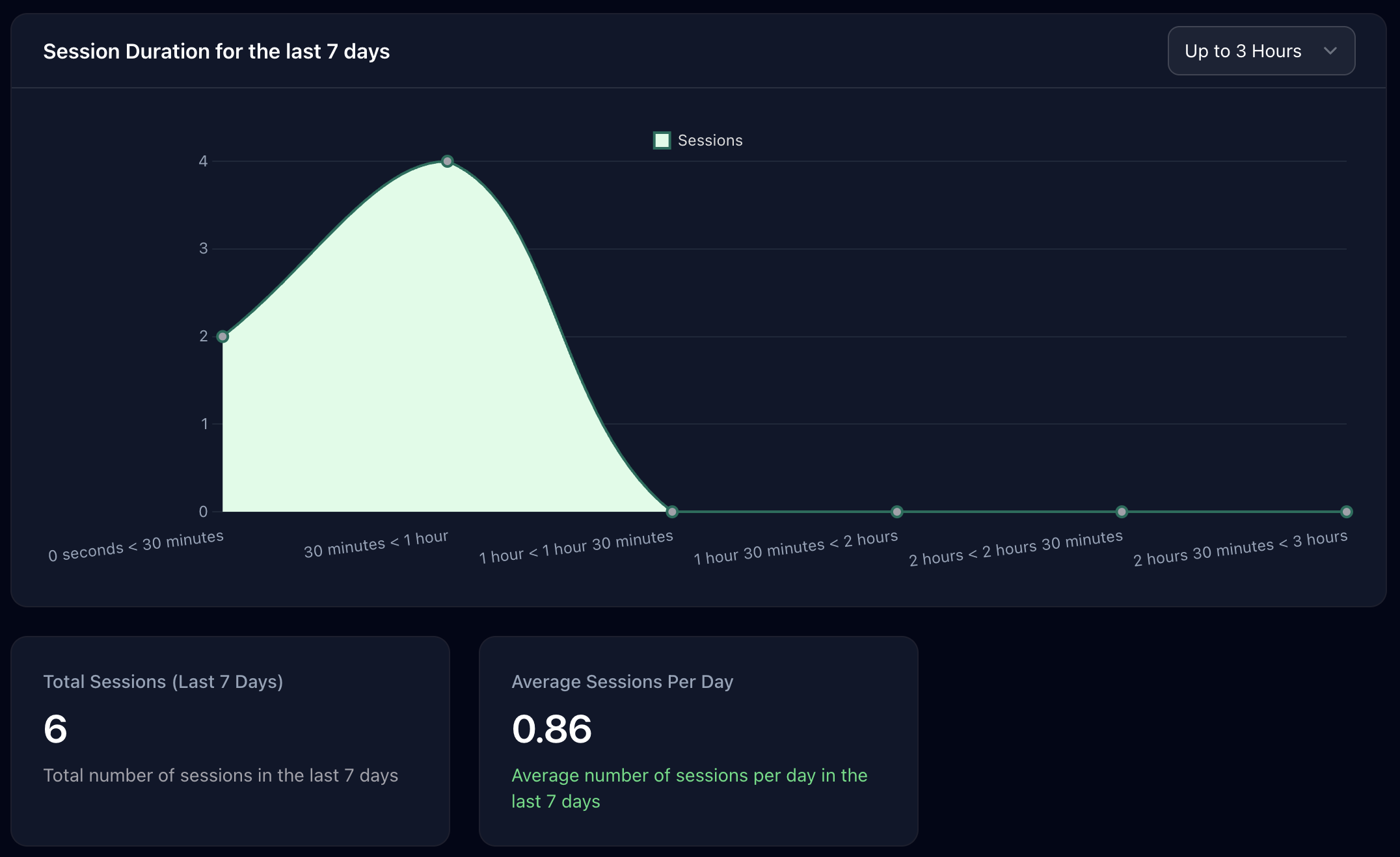
Visualize Events
Monitor Logs
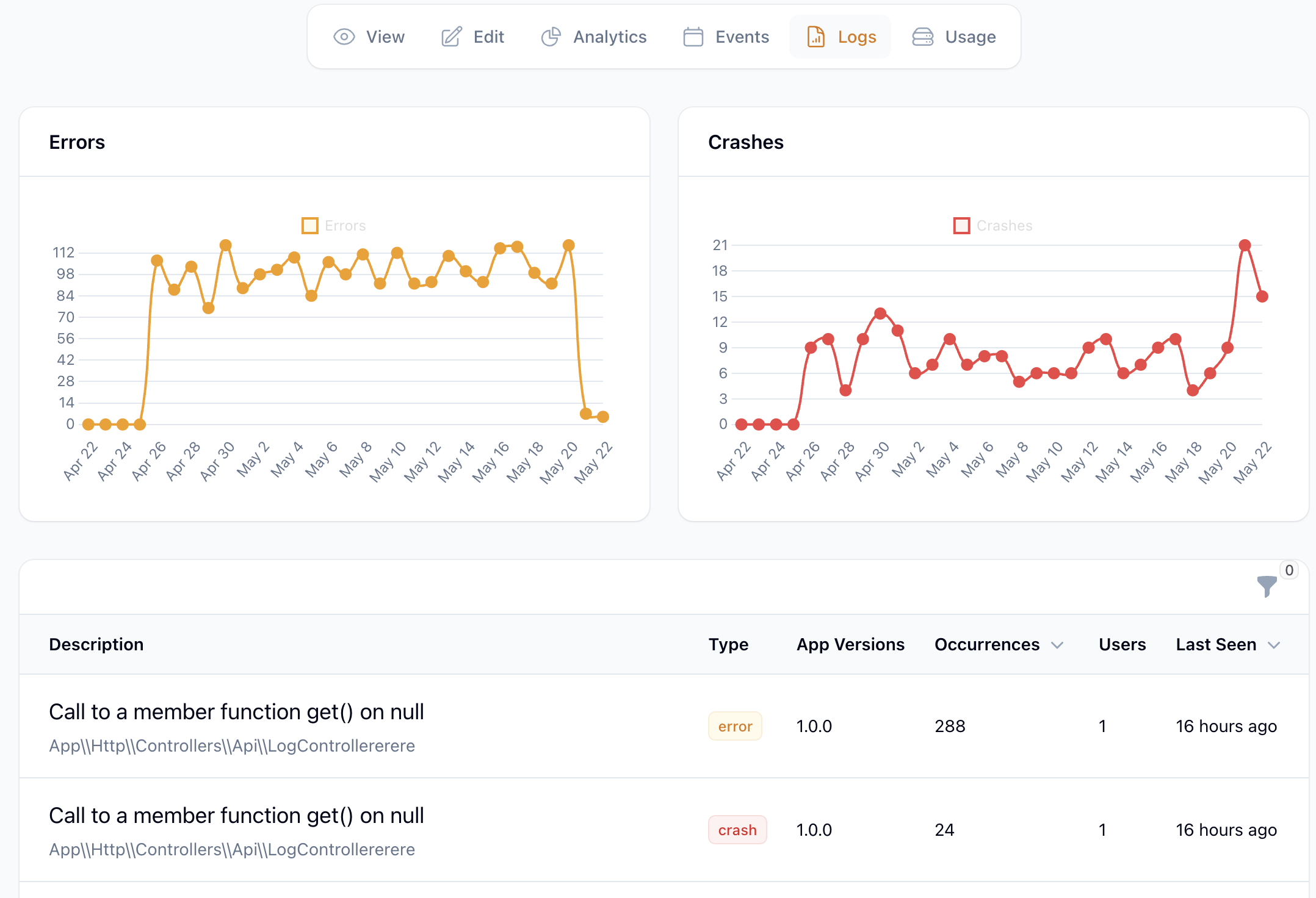
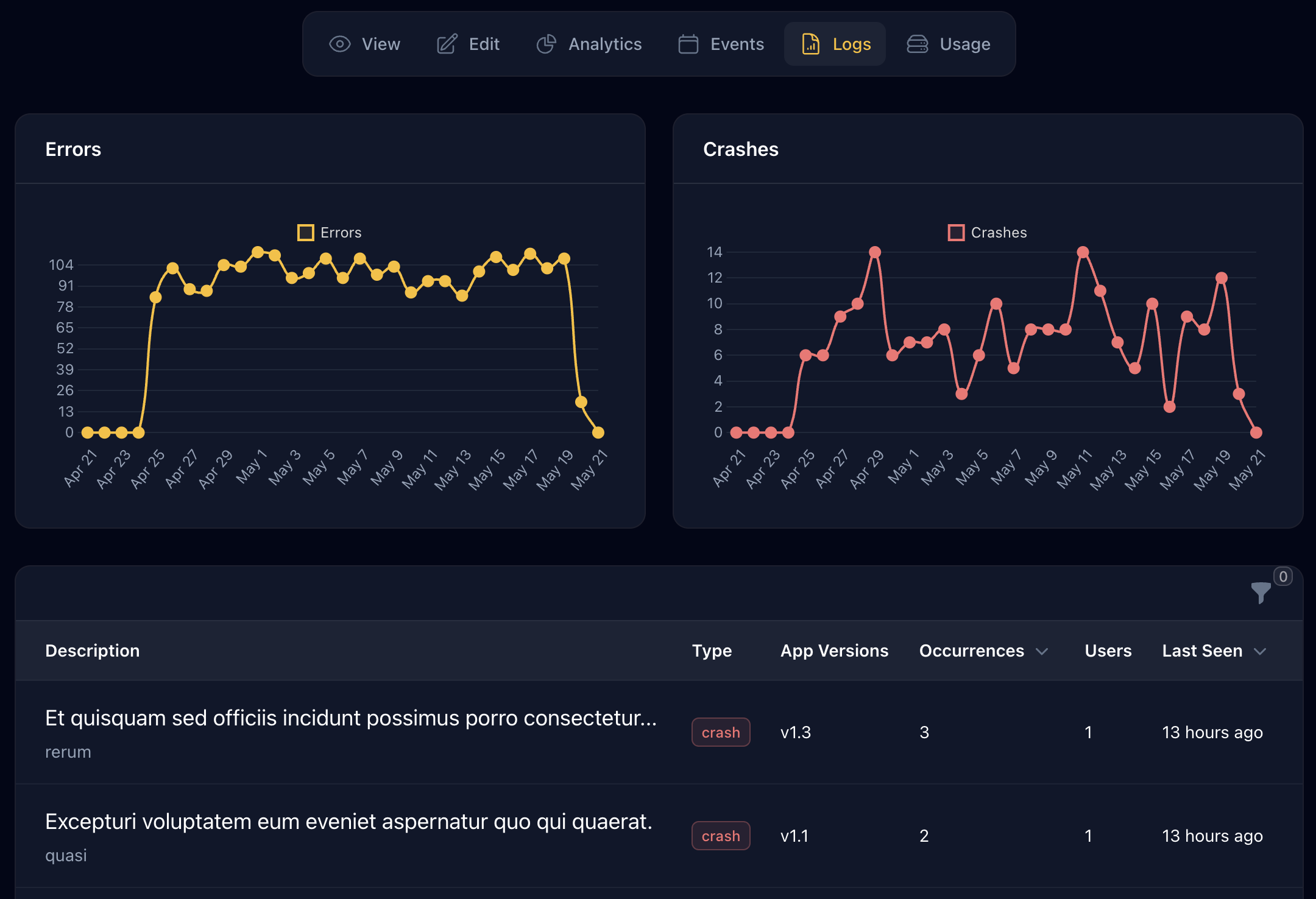
Through this UI, developers and product teams can visualize user behavior, analyze trends in events, and monitor the stability of your application by reviewing aggregated log data and session information. This enables them to gain actionable insights from the data collected via the API.
In summary, the API acts as the data collection engine, while the UI serves as the analysis and visualization tool for the collected information. This documentation will guide you on how to effectively use the API to capture the data necessary for a comprehensive understanding of your application's usage and health, which can then be leveraged within the UI.